Schedule Runs (Cron Jobs)
A Schedule Run in GlobalAI is an internal cron job used to execute workflows automatically at specific times or intervals. This feature is useful for automating regular tasks, such as maintenance, backups, or periodic updates. Using Schedule Runs ensures that repetitive tasks can occur without needing manual intervention.
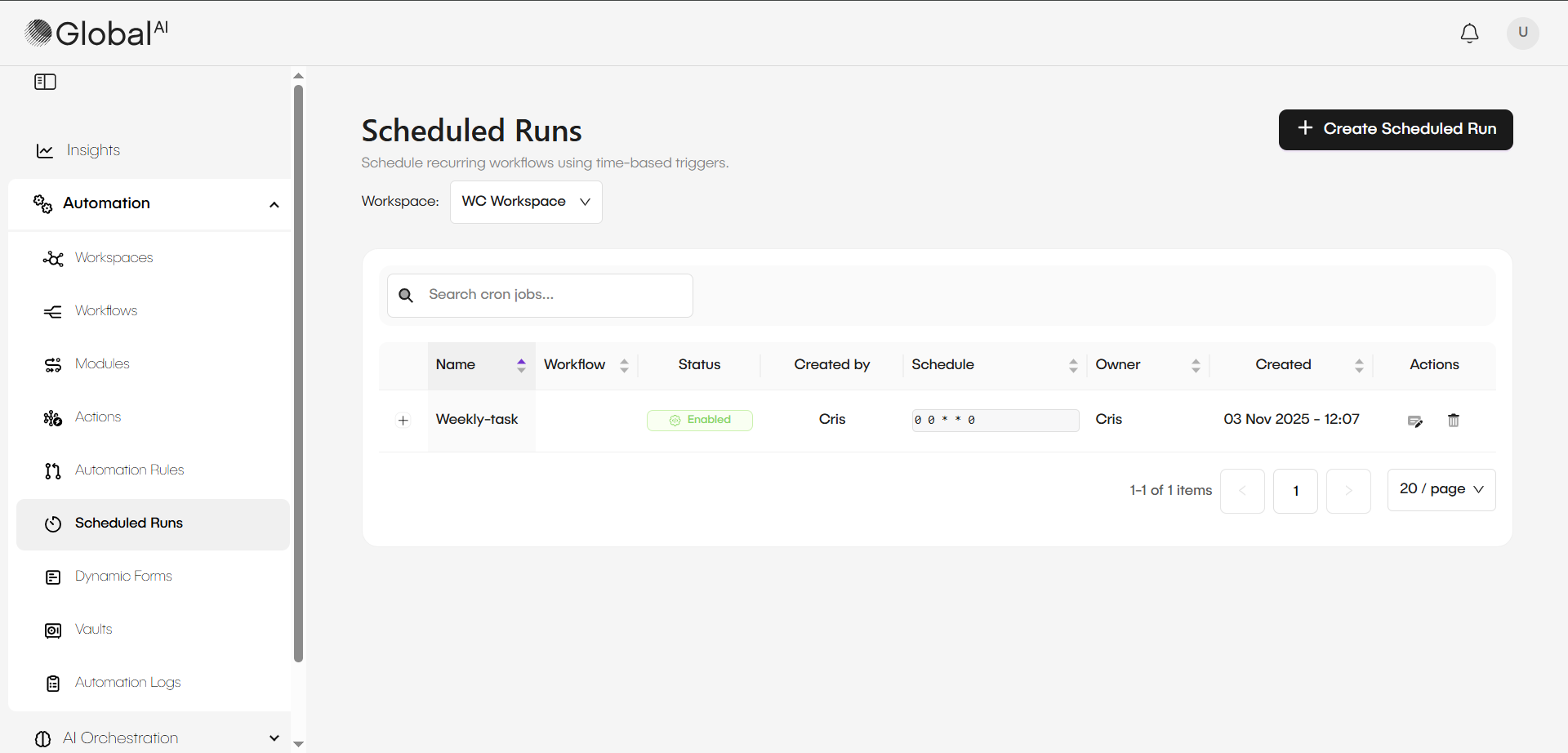
Define how schedule runs work
Schedule Runs, also known as Cron Jobs, operate at the Workspace level. When you configure a Schedule Run, you select a specific workflow for it to execute.
You can define the schedule in two ways:
- Using a predefined schedule, such as every minute or every hour.
- Writing a custom schedule using the standard cron format.
Use input parameters
When you create a Schedule Run, you can include input parameters. This allows you to send a specific body, or payload, to the workflow when it starts.
This feature is helpful for workflows that might be triggered by multiple sources, such as a webhook and a Schedule Run. For example, you can add a parameter to the Schedule Run input that identifies its source, like source: cronjob. Inside the workflow, you can then use this parameter to run a different branch of logic based on how the workflow was started.
Related articles
Now that you understand what Schedule Runs are, you can learn how to manage them or explore other types of triggers.
Manage Schedule Runs (Cron Jobs)
A guide on defining and managing scheduled runs, or cron jobs, inside the GlobalAI platform.
Understand Automation Rules
Learn how Automation Rules act as event listeners for sources like message queues or database changes to initiate workflows.
Configure an Automation Rule
A step-by-step guide to setting up a source and defining a trigger to link an event to a specific workflow.